Mobile app (PWA)
Implemented in Dashboard 2.22.0, you can now use the Layeredy dashboard on your phone with full push notification support.
Currently, the PWA only supports Uptime.
Installation
To install the Layeredy PWA, first, login to https://app.layeredy.com
Next, open the menu where you'd find your tab settings (On Firefox and Chrome, it's the the top right 3 dots menu
Finally, click "Add app to home screen"
Notifications
First, make sure you have the PWA installed, then click your profile icon
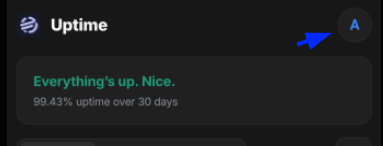
Now, a menu should pop-up with a dropdown and 3 buttons
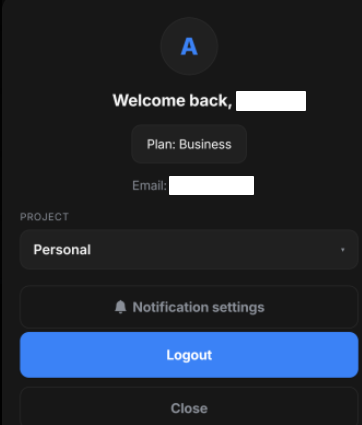
Click "Notification settings" and then toggle them on
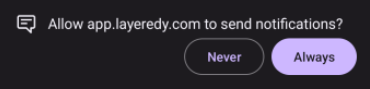
Finally, Allow notifications from app.layeredy.com