
Common server agent messages
Successful startup:
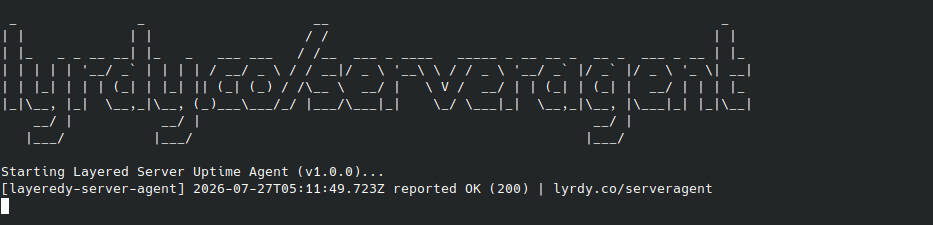 The server agent has started correctly and is now reporting to the dashboard
Rate limited:
[layeredy-server-agent] [timestamp] rate limited (429) — reporting too frequently. Will retry next cycle. (lyrdy.co/server-agent-error)
If you get a rate limited error, this simply means the dashboard has received too many requests from your server in a minute, this can be resolved by waiting until the next check starts
Invalid token:
[layeredy-server-agent] [timestamp] ERROR 403: invalid token. Check LAYEREDY_TOKEN. Exiting. (lyrdy.co/server-agent-error)
You supplied an invalid or expired token, recreate your server in the dashboard
Generic error:
[layeredy-server-agent] [timestamp] report failed: (lyrdy.co/server-agent-error)
If you get a "report failed" error, it usually means:
- Your firewall is blocking
app.layeredy.com - Your agent is outdated
- Your agent is configured incorrectly
- You no longer have access to server monitoring (Premium plan suspended or cancelled)
Get support:
If you cannot resolve these issues on your own, please contact our support team here